Route A
Cloud reconstruction
Submit the capture through an internet connection and follow reconstruction status in Fiscan.
Capture a textured facial model on a compatible phone, register intraoral scan data, and prepare the geometric relationship for a digital design workflow.
Capture availability depends on device compatibility and camera capability.
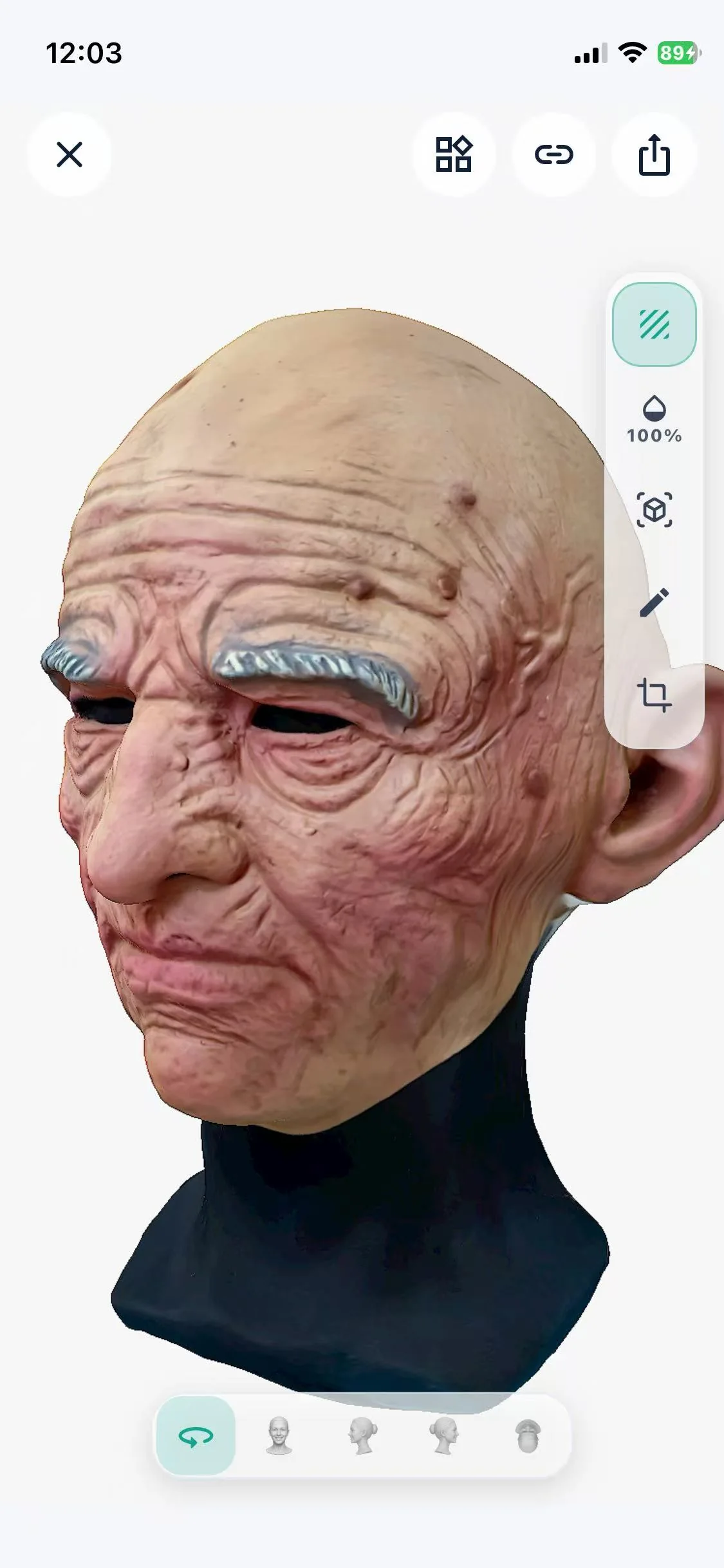
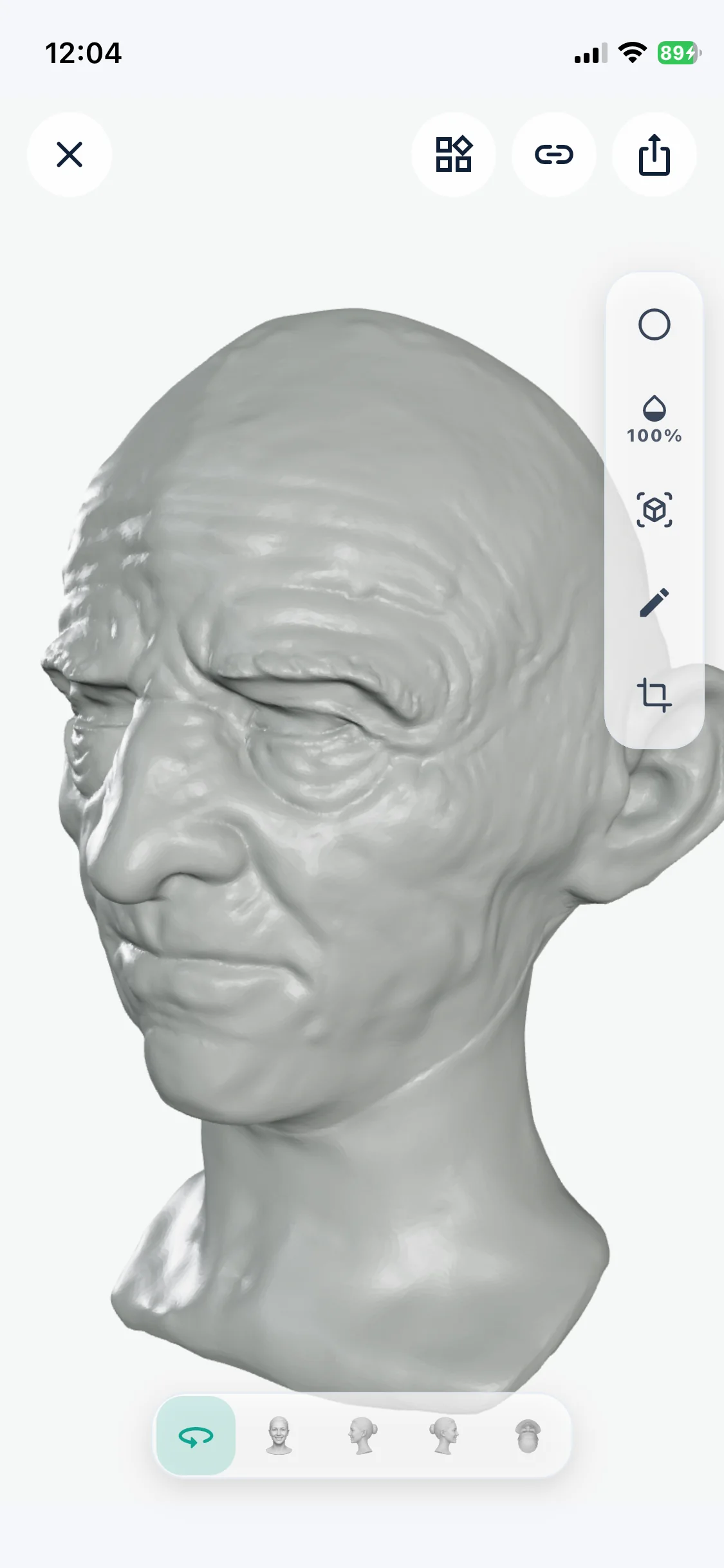
Model output
WHITE MODEL
TEXTURED MODEL
Flexible reconstruction
Fiscan keeps capture on the mobile device and lets the reconstruction destination fit the working environment.
Cloud reconstruction requires internet access. Local reconstruction requires FiRecon on a compatible Mac connected to the same local network.
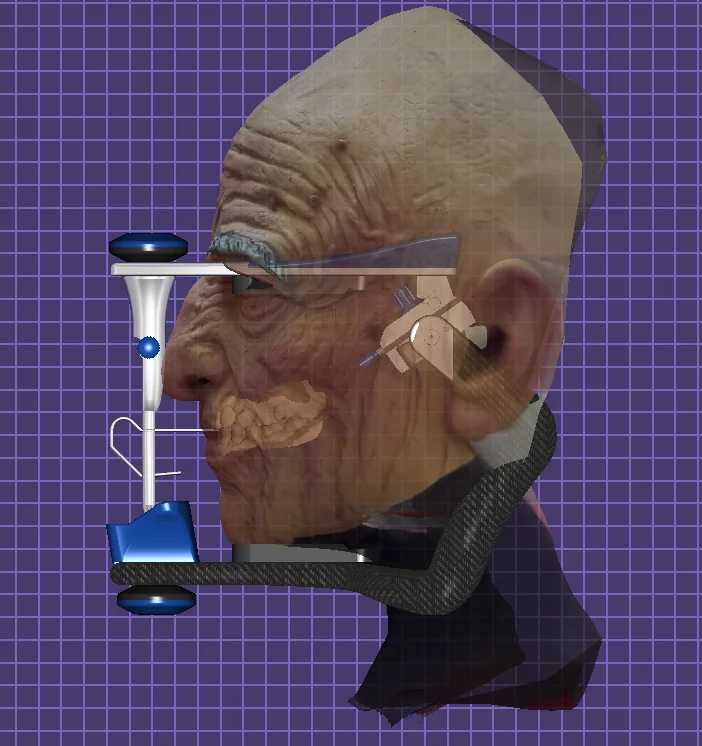
Design software connection
Prepare the facial context in Fiscan, connect it with upper and optional lower intraoral STL or PLY geometry, then move the combined relationship into a compatible exocad workflow.
Fiscan prepares and converts geometric data; interpretation and downstream use remain under the user's control. exocad is a third-party product, and compatibility may depend on the installed configuration.
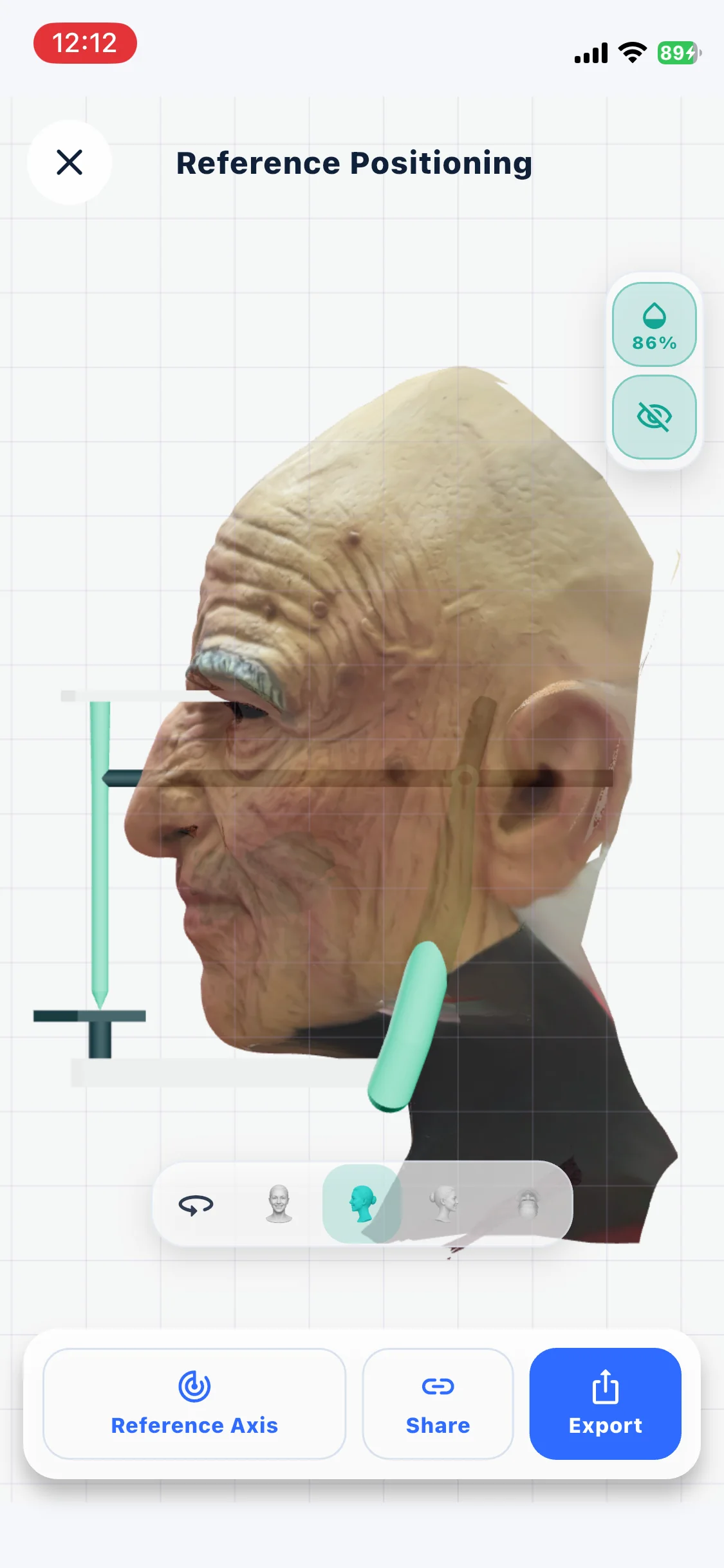
Additional tools
Measure compatible geometry while final interpretation and downstream use remain under your control.
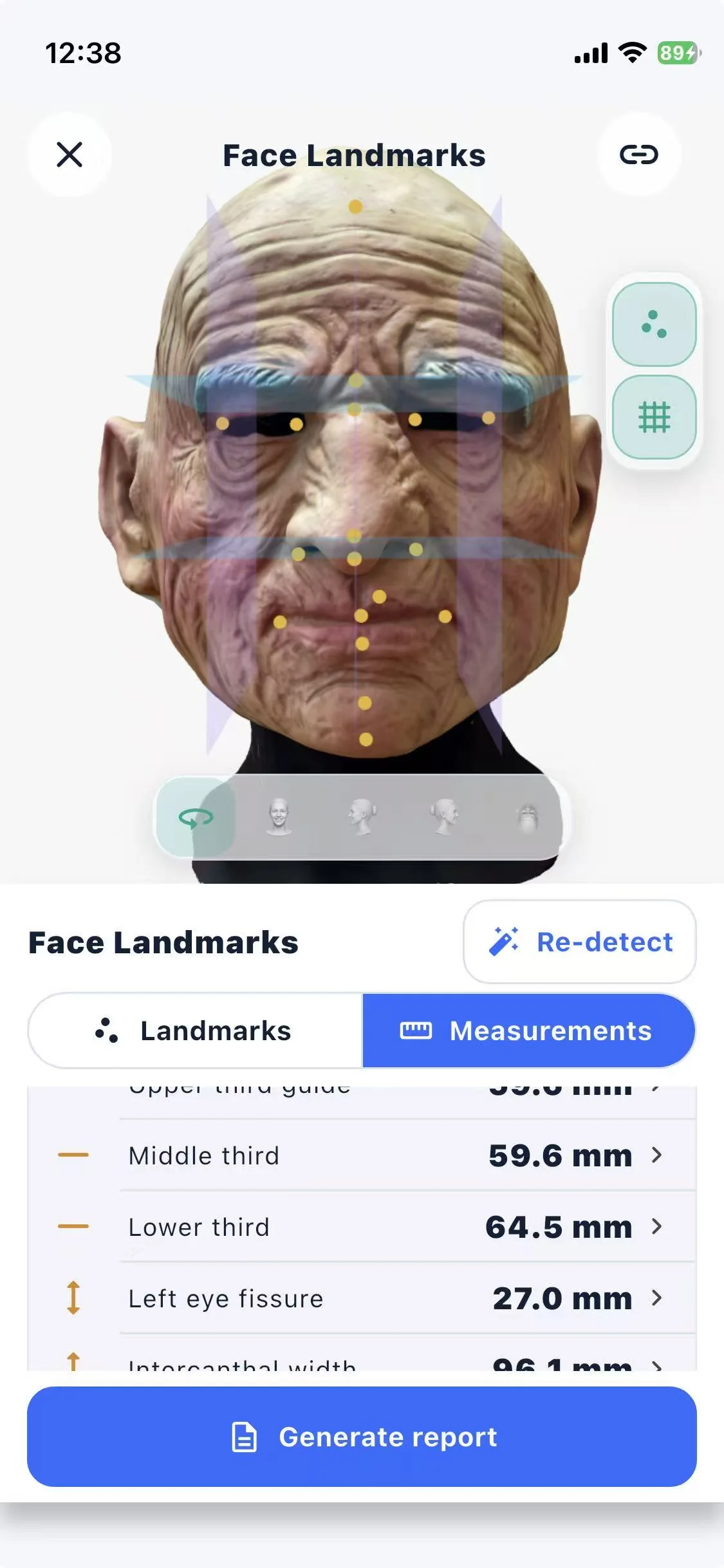
Place and adjust reference points, display geometric dimensions, and export a concise measurement record.
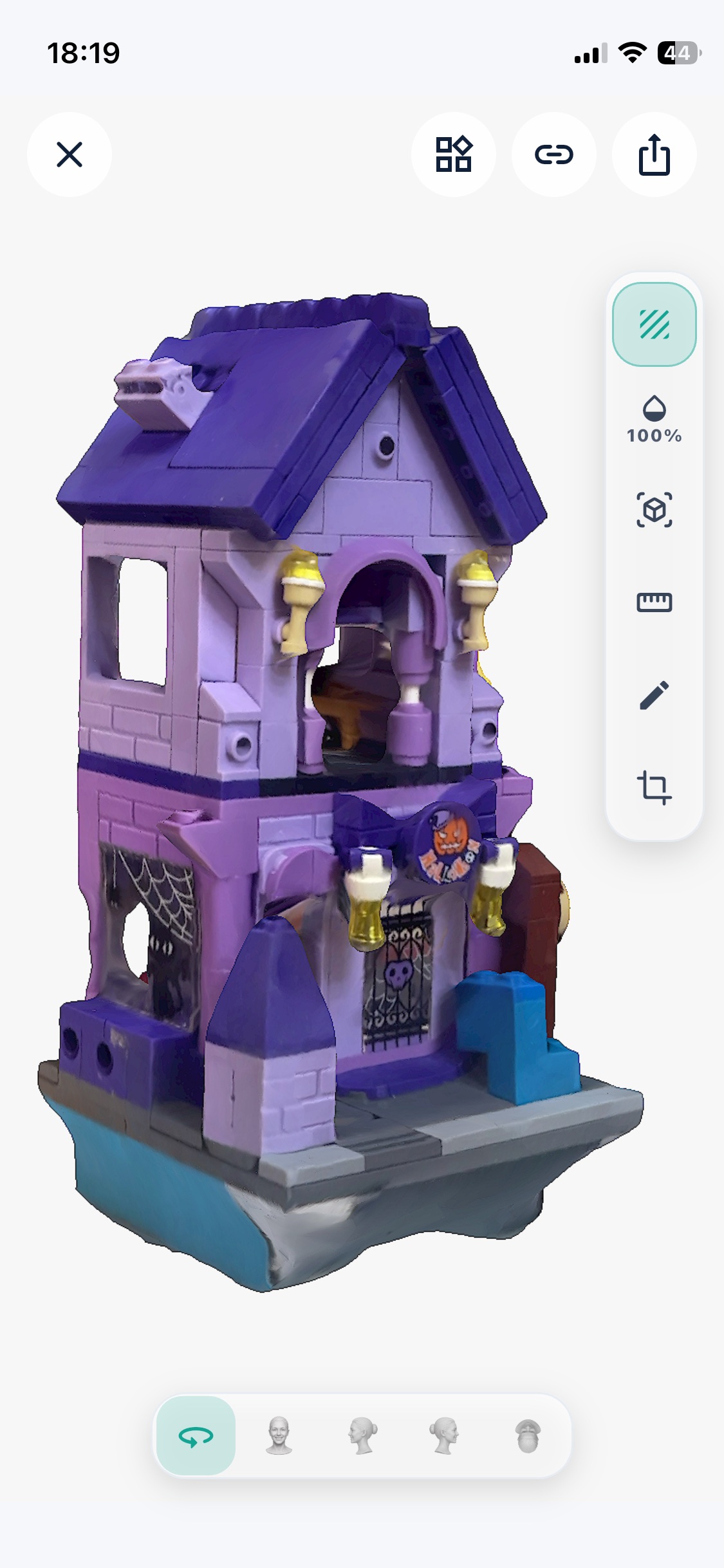
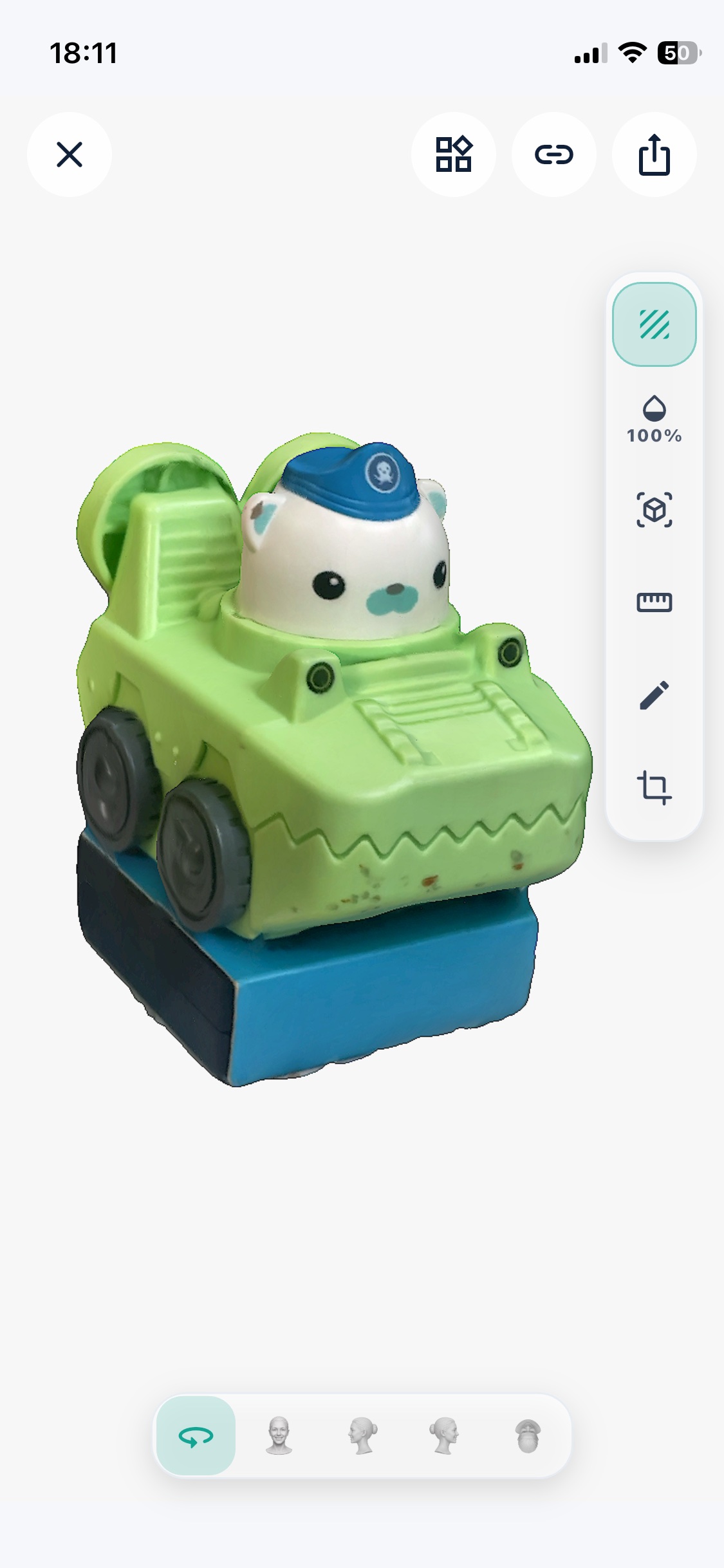
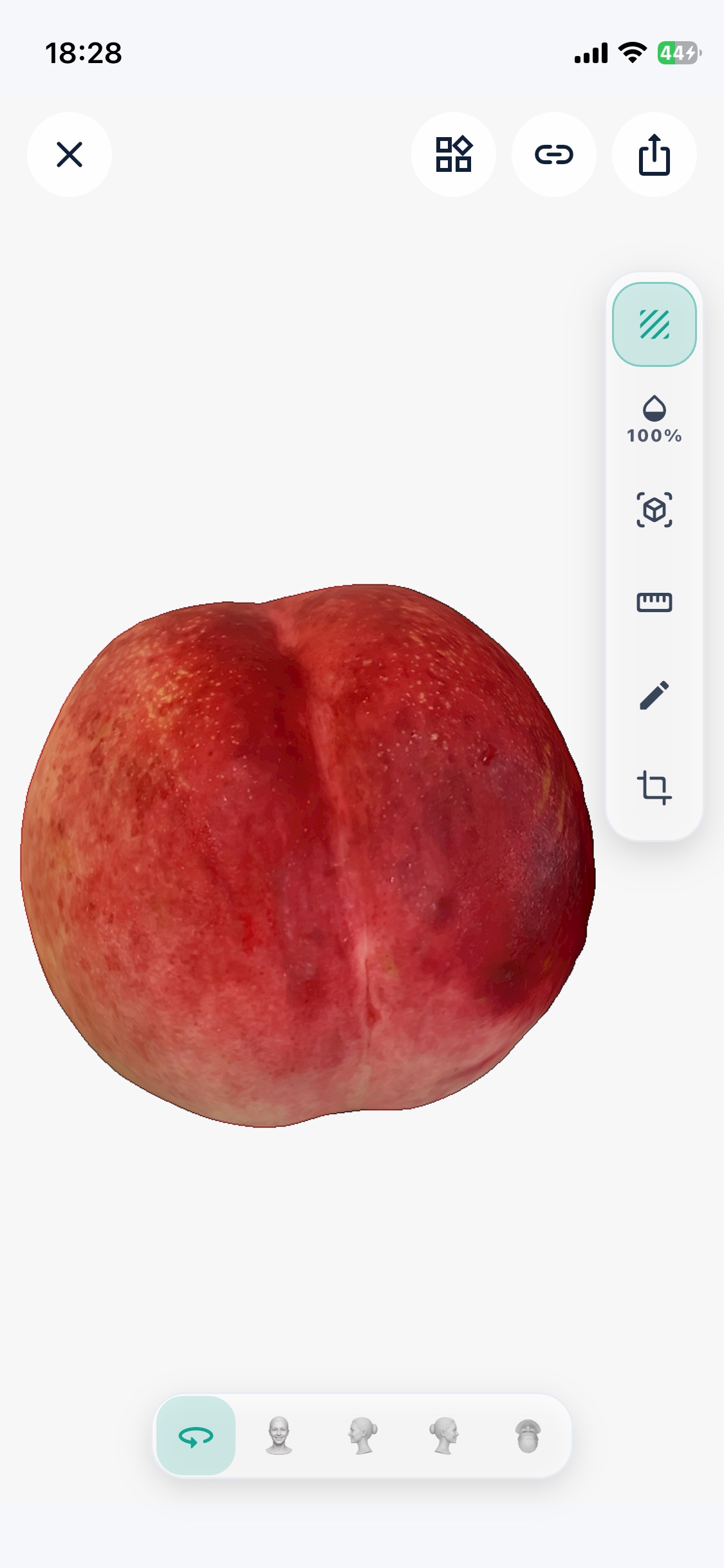
Additional reconstruction examples
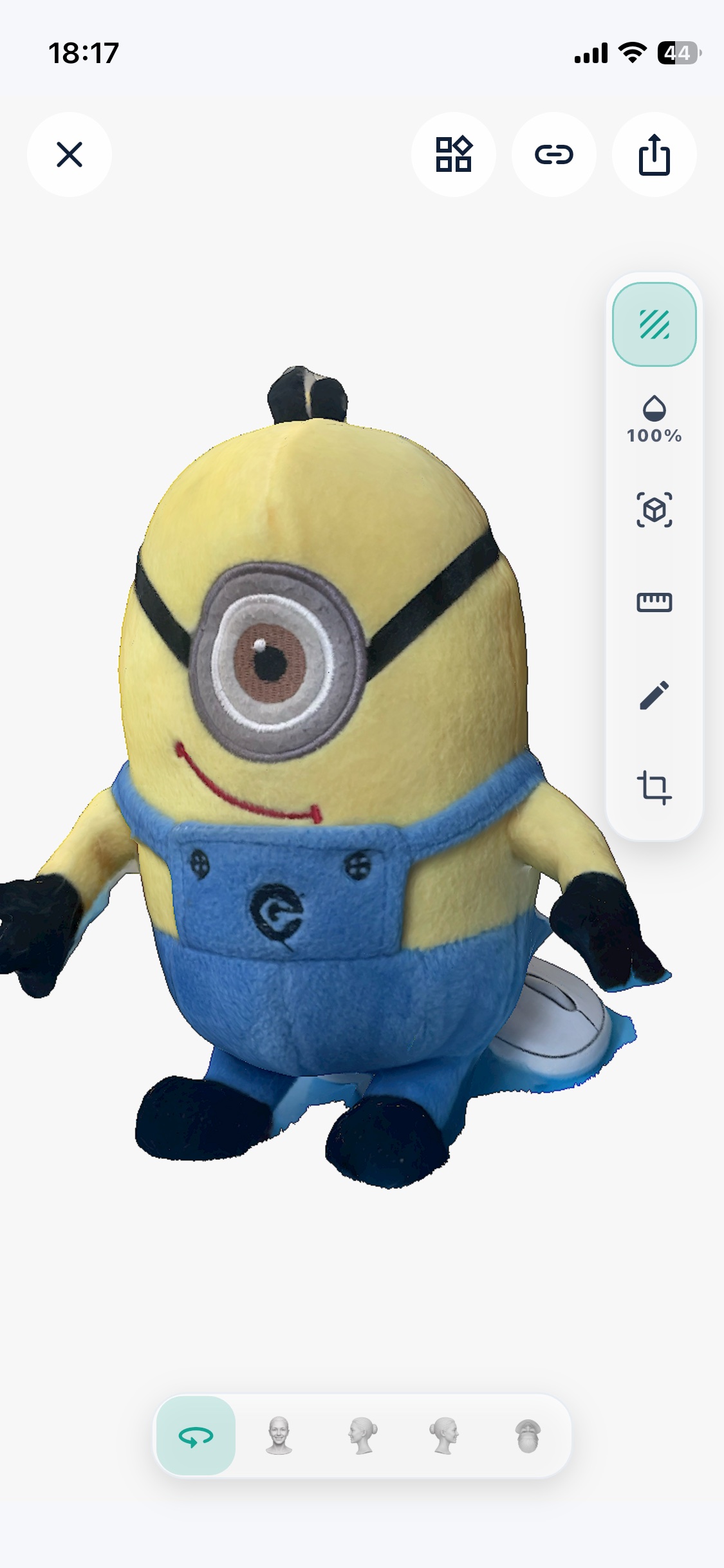
Fiscan can also reconstruct selected objects. These examples remain a secondary capability alongside the primary facial-data workflow.
Capture fundamentals
A few simple conditions give the reconstruction better material to work with.
Use soft, consistent lighting across the subject.
Move smoothly and follow the guided capture path.
Limit movement while the capture is in progress.
Complete the required views before reconstruction.